Capture your screen and share it in seconds
The screenshot and screen recording extension for Chrome. Annotate, record with your camera, and send a link.
One shortcut starts it.
One link finishes it.
- Capture
- Record
- Annotate
- Edit
- Share
Anything on your screen, one shortcut away
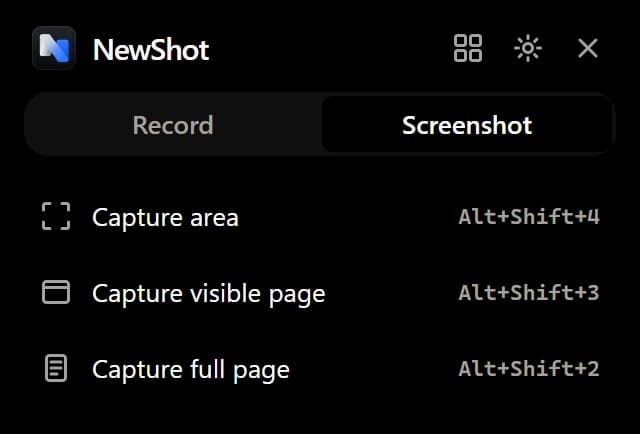
Capture exactly what you mean
- An area, the visible page or the whole scrolling page
- A shortcut for each, or one click from the toolbar
- A preview pops up to copy, save or annotate
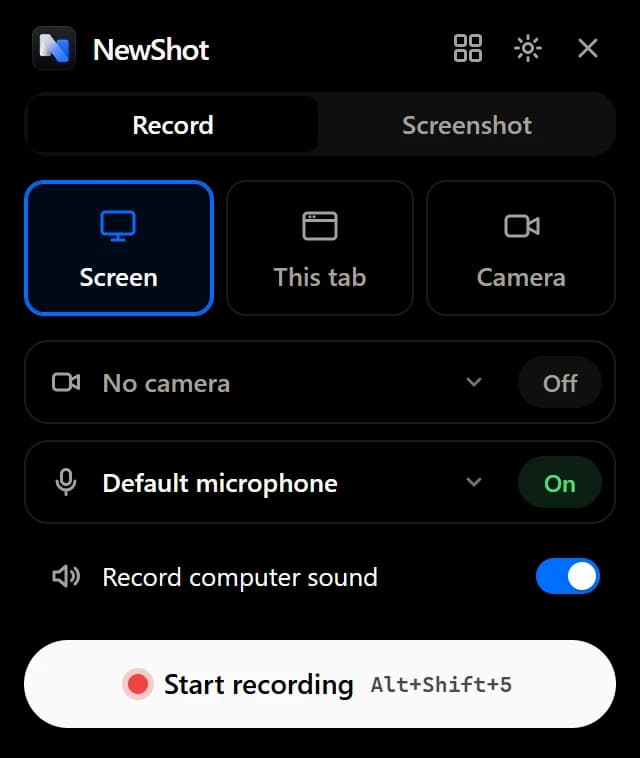
Your screen, with you in the corner
- Record your screen, a window, a tab or just your camera
- Your mic and the page's sound in one track
- Draw on the page or blur part of it while you record
Keyboard first
Four shortcuts cover everything NewShot does. Change any of them in Chrome's shortcut settings.
- Capture an areaAltShift4
- Capture the visible pageAltShift3
- Capture the full pageAltShift2
- Start or stop recordingAltShift5
Polish it before you send it
A screenshot editor and a video editor, built into the extension.
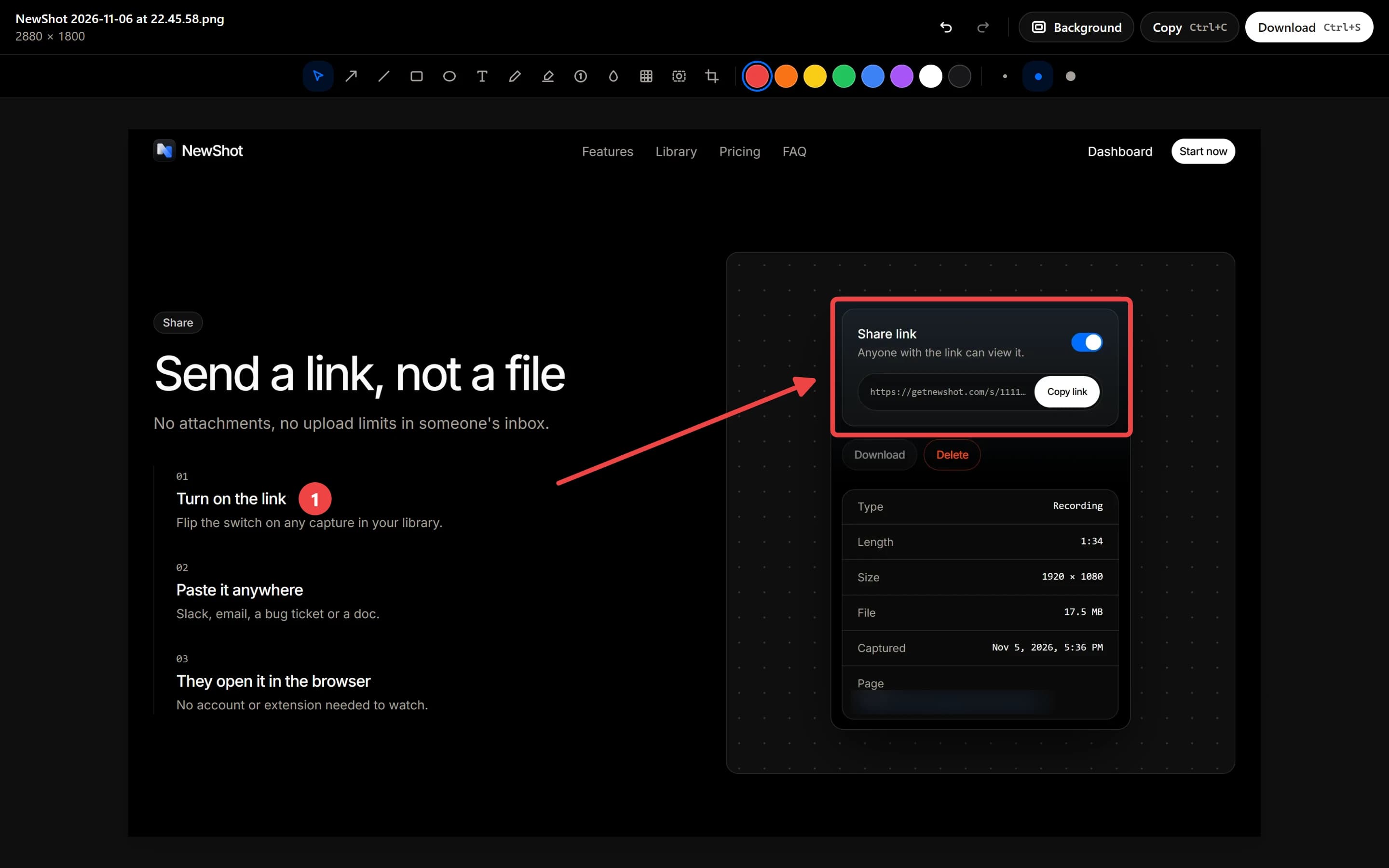
Point it out
Arrows, boxes, text, numbered steps and highlights.
Hide what's private
Blur or pixelate emails, names and numbers before anyone sees them.
Make it look finished
Gradient backgrounds, padding, rounded corners and a shadow.
Trim and zoom recordings
Cut the pauses, let auto zoom follow your clicks, export MP4 or GIF.
Every capture, in one library
Connect the extension to your account and your screenshots and recordings upload to your NewShot dashboard.
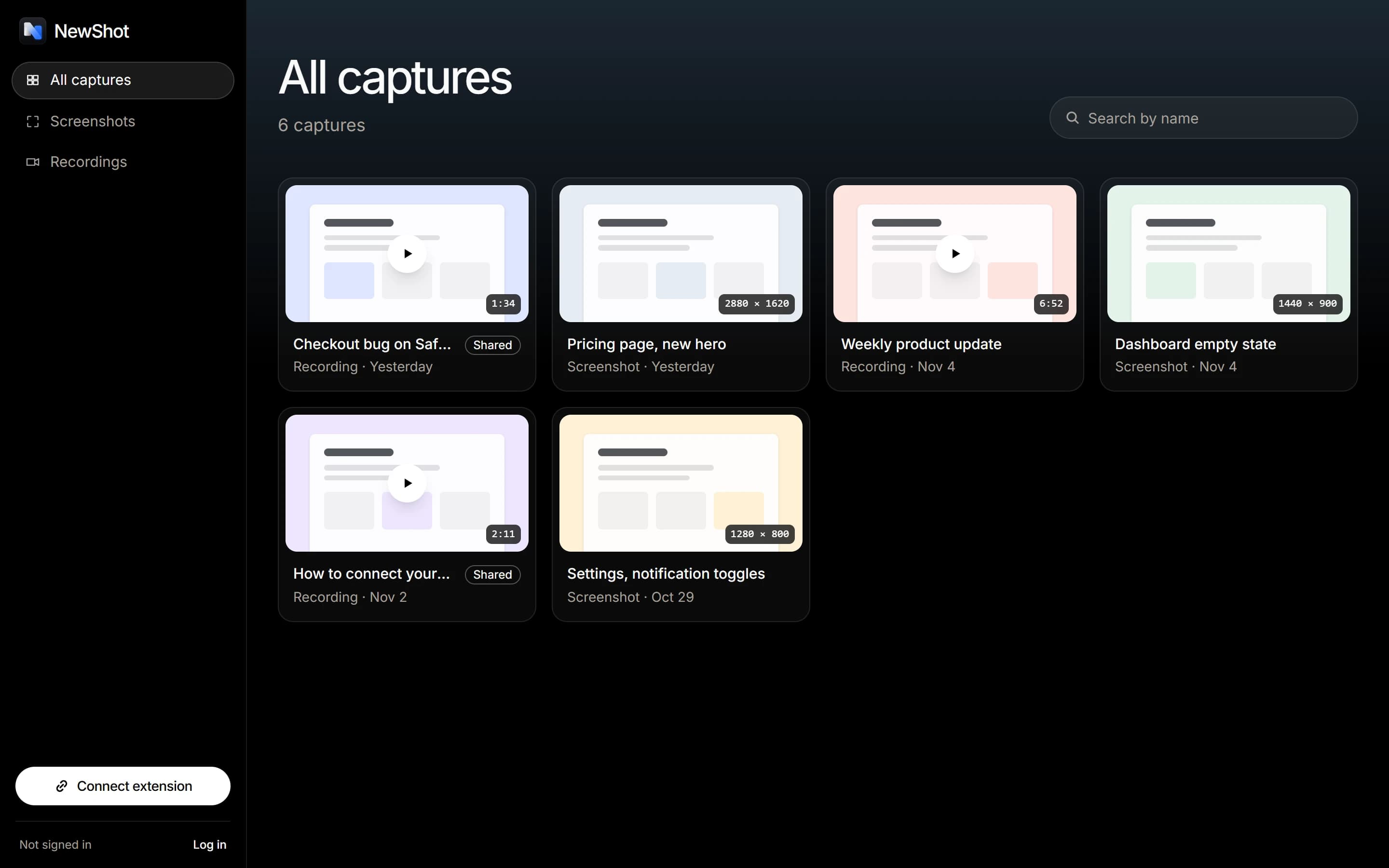
One place for both
Screenshots and recordings side by side.
Search by name
Find any capture by its title.
Filter by type
Show only screenshots, or only recordings.
Rename anything
Give a capture a name you'll recognise later.
Download the original
Get the full-size file back whenever you need it.
Delete for good
Remove a capture and its file from your library.
Seen only by who you send it to
Captures are saved in your browser first. Uploads go to private storage, and each one opens only through its own long, unguessable link.
Saved in your browser
The extension keeps its own library, with or without an account.
Private storage
Nobody can browse or search your library. A capture opens only from its link.
Links you control
Turn a link off and it stops opening.
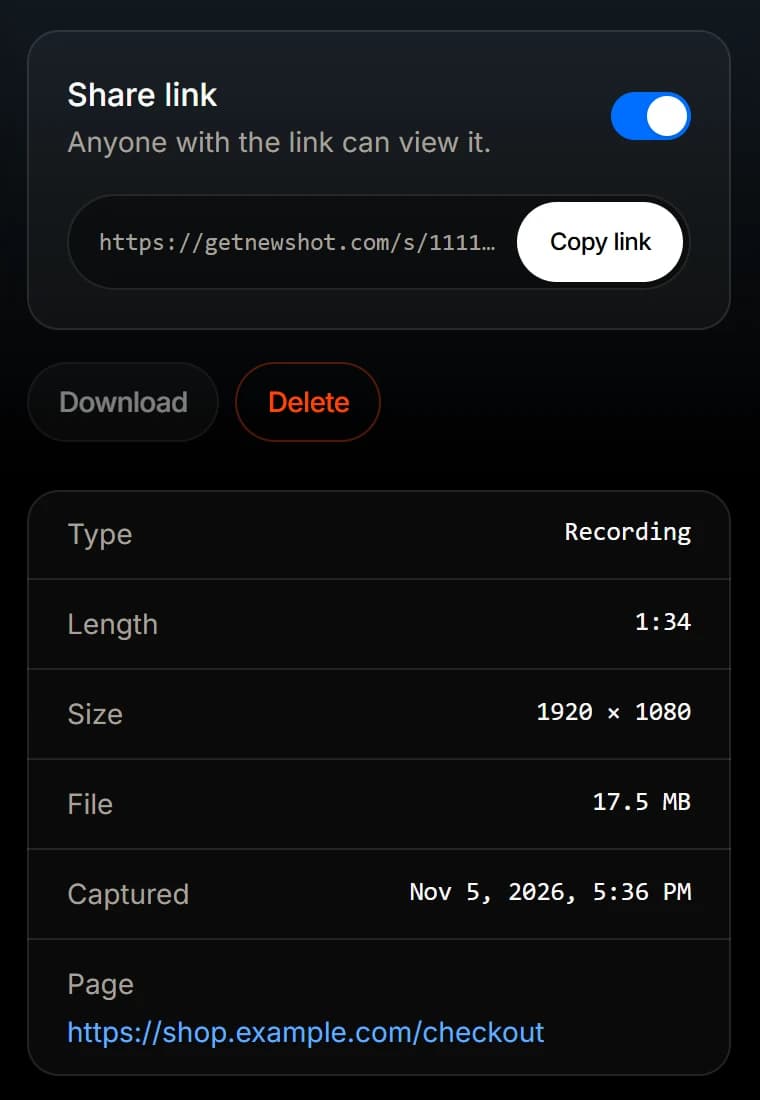
Send a link, not a file
No attachments, no upload limits in someone's inbox.
- 01
Stop recording
The link is copied for you as soon as the video is uploaded.
- 02
Paste it anywhere
Slack, email, a bug ticket or a doc.
- 03
They open it in the browser
No account or extension needed to watch.
Made for people who'd rather show it
Where a capture says it faster than a paragraph.
- Bug reports
Engineering
Record the steps with your mic on, trim the dead air, and paste the link in the ticket.
- Feedback
Product & design
Capture the exact area, drop an arrow and a numbered step, blur anything private.
- How-tos
Support
A two-minute recording with your camera bubble answers what a long email can't.
Start free. Upgrade when you're ready.
Capture, edit and export for free, forever. Go Pro when you want an online library and share links.
See everything that's includedFree
Everything you need to capture, edit and save.
- Includes:
- Unlimited screenshots and recordings
- Annotate, blur, crop and backgrounds
- Trim, cut and auto zoom
- Export PNG, MP4 and GIF
Pro
For sharing your captures with the world.
- Everything in Free plus:
- Online library on every computer
- Share links for any captureNew
- Unlimited uploads
- Download originals any time
- Priority support
Frequently asked questions
Everything you need to know about capturing, privacy and plans.
Getting started
No. Screenshots, recordings and the editors all work without signing up, and everything is saved in your browser. You only need an account for the online library and share links.
Google Chrome, version 116 or newer. Chromium browsers that install Chrome Web Store extensions usually work too.
Click the NewShot icon and pick Screen, This tab or Camera, or press Alt+Shift+5. A countdown gives you a moment to get ready.
Yes. Open chrome://extensions/shortcuts and set any shortcut you like for each capture.
Privacy & files
Only people you give the link to. Each capture gets its own long, unguessable link, and you can turn the link off at any time.
In your browser first. When you connect an account, new captures also upload to your private online library.
Yes. Blur or pixelate any part of a screenshot, and blur parts of the page while you record.
No. Exports are your content only.
Ready to try it? Get started free.